
Nexamp
Location
Boston, MA
Role
Data Analyst & Project Scheduler
Tools
Sigma Computing, Microsoft PowerBI, Microsoft Excel, Primavera P6
Company Description
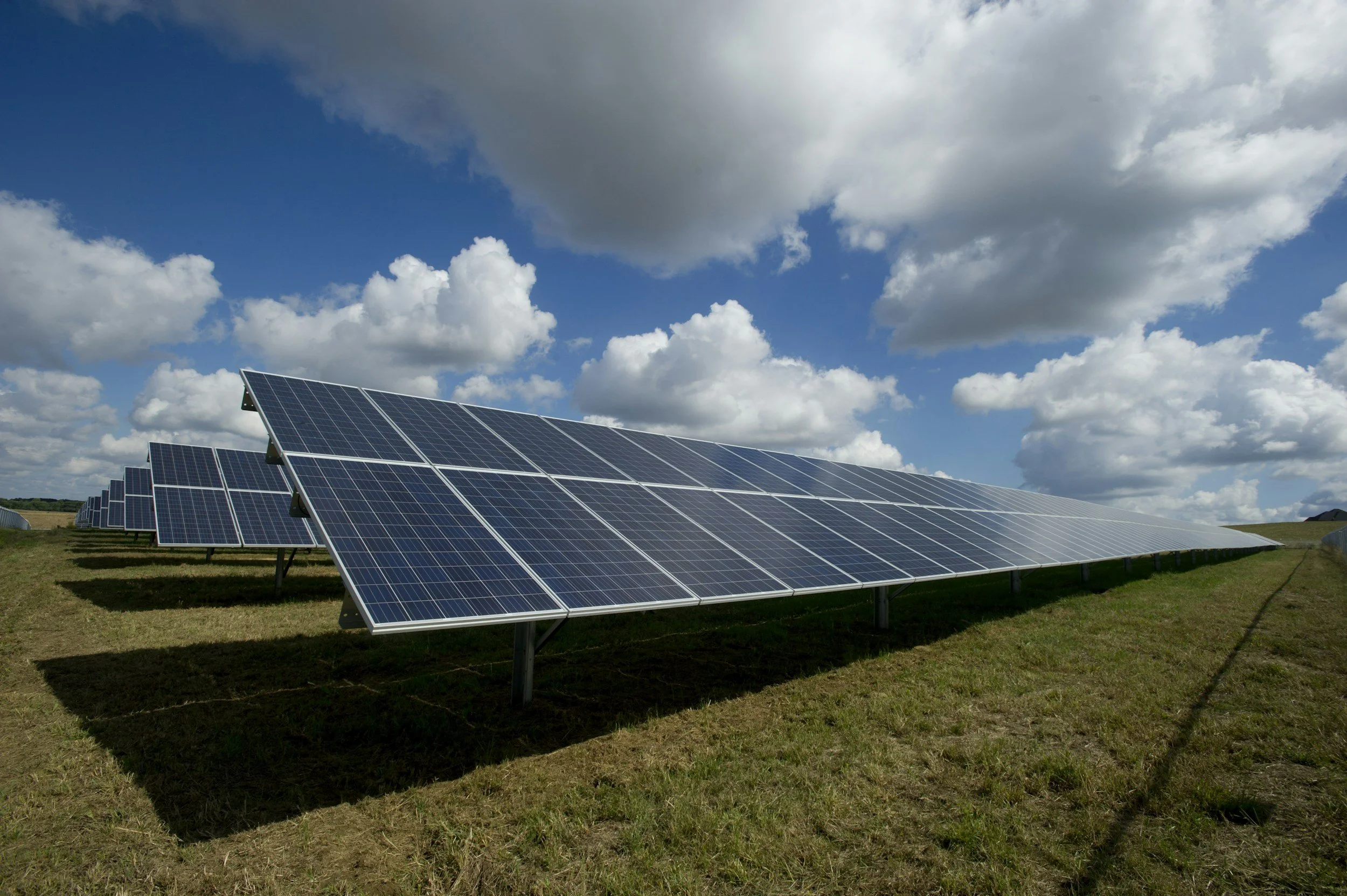
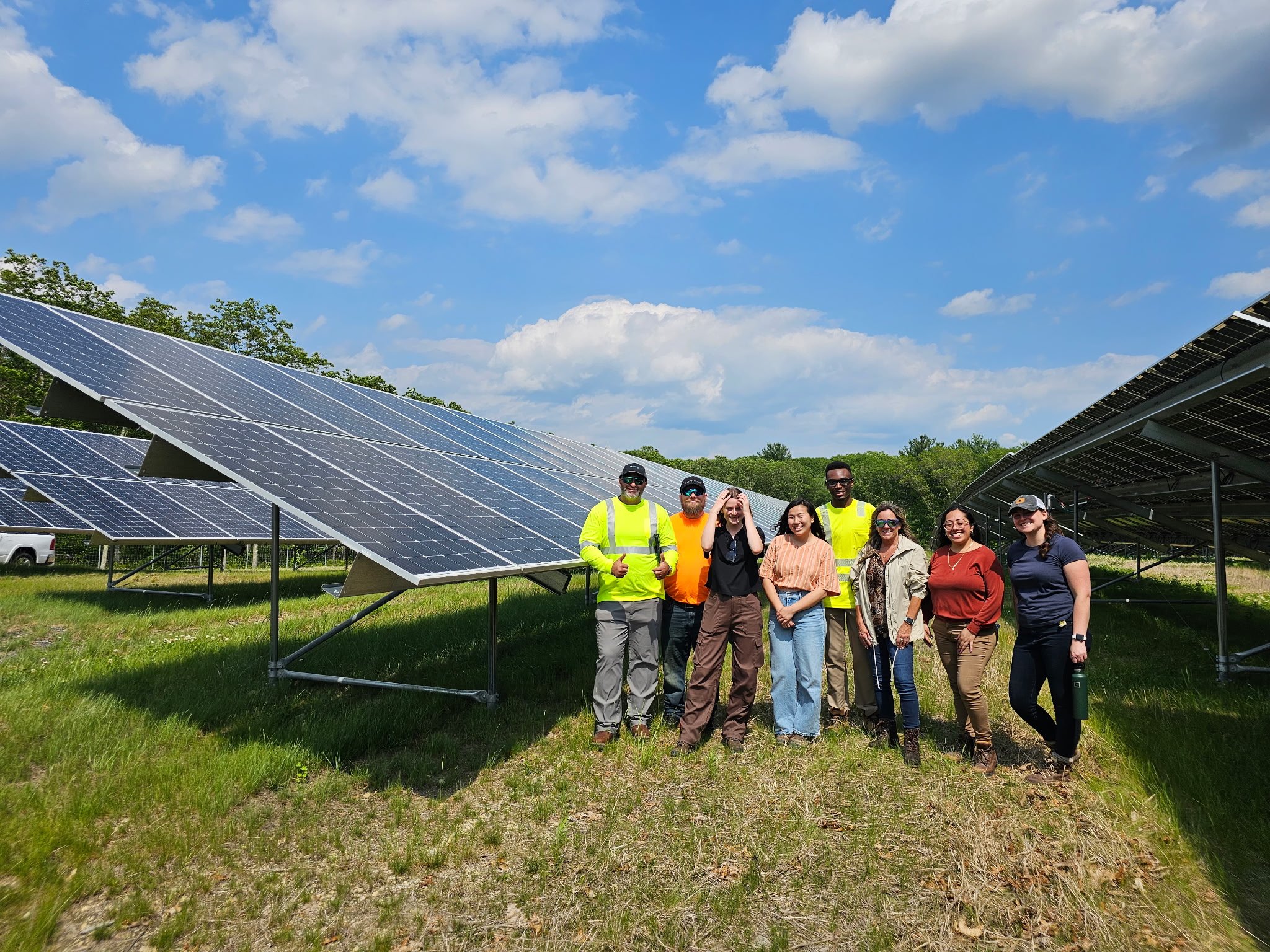
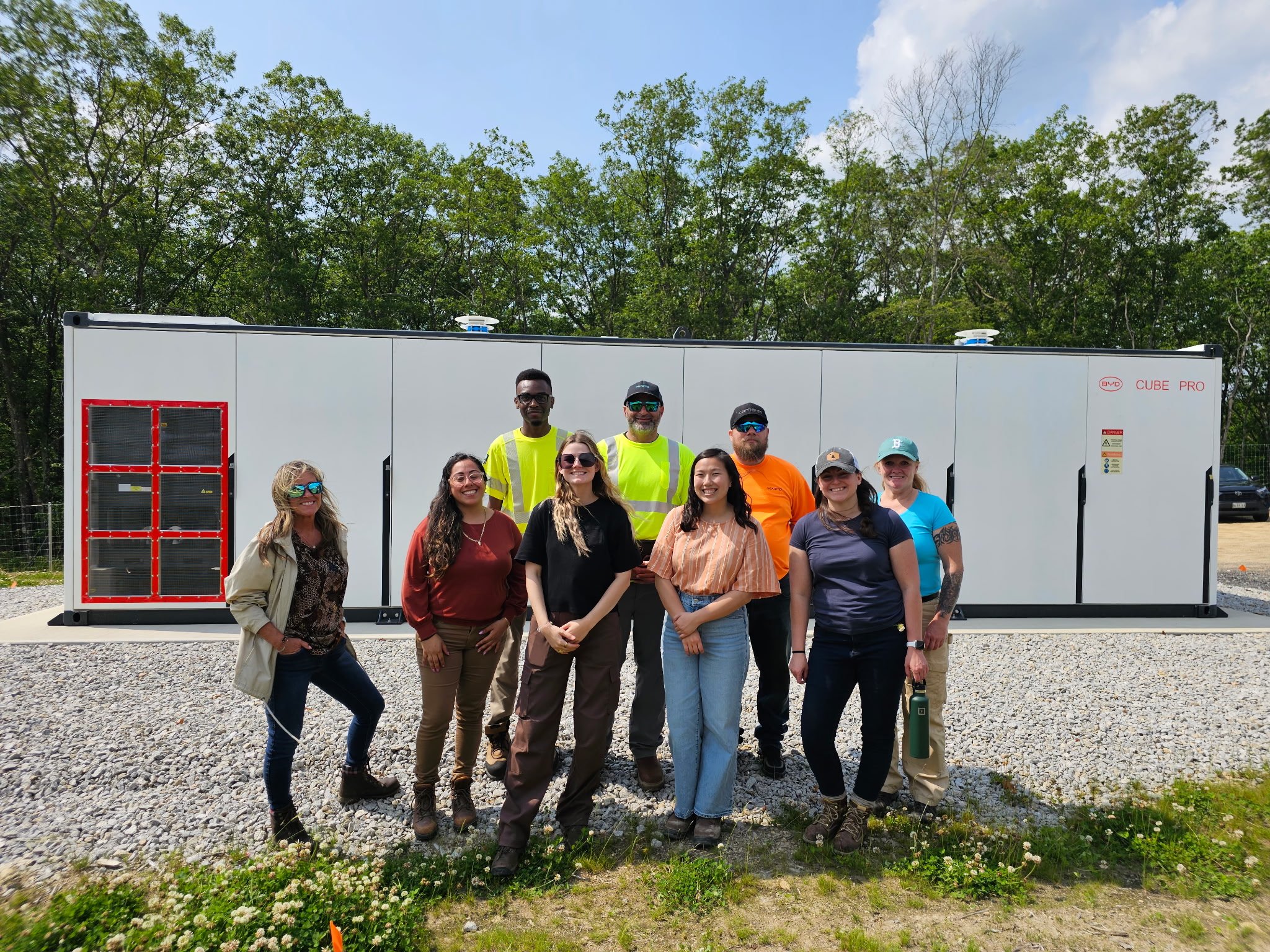
A leading clean energy company developing, building, and operating over 300 projects and 2,000 megawatts of solar and energy storage projects focusing on expanding access to affordable renewable energy.
My Impact
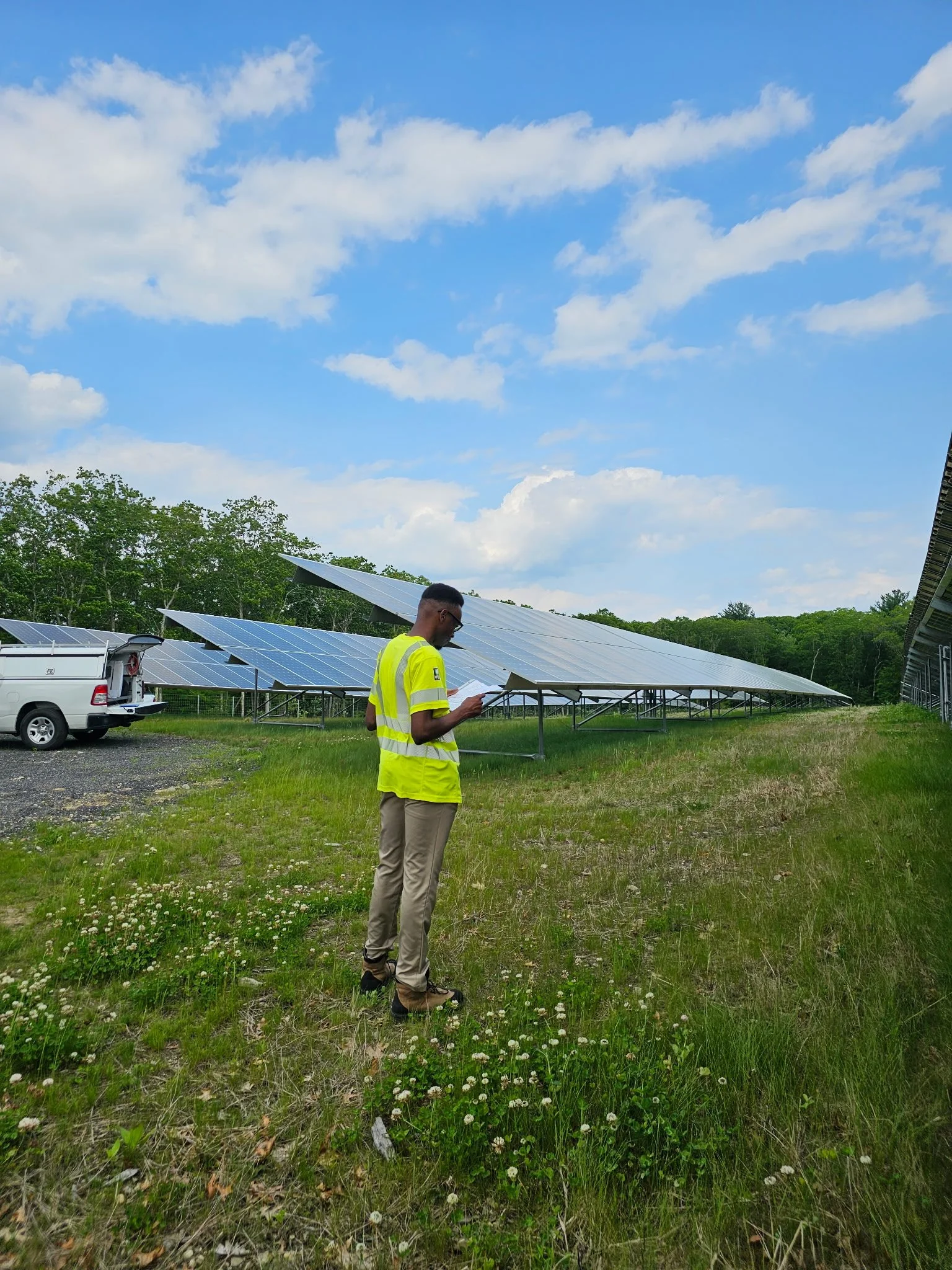
At Nexamp, I worked as a Data Analyst and Project Scheduler supporting solar and utility-scale projects by transforming schedule and performance data into clear, actionable insights. I designed interactive Excel workbooks and business intelligence dashboards to track milestone trends, delays, and project progress, helping surface key performance patterns tied to company KPIs. Alongside this, I developed and maintained detailed, multi-phase project schedules in Primavera P6 and participated in weekly reviews of over 50 active projects, enabling cross-functional alignment, more accurate milestone planning, and timely, data-driven decision-making.
The Challenge
Nexamp manages dozens of active solar projects simultaneously, each with complex, multi-phase schedules with changing dates and durations. As project volume increased, teams needed clearer visibility into schedule performance, delays, and trends across projects to support timely, data-driven decision-making.
The Solution
The solution involved building structured project schedules and analytical tools that transformed raw scheduling data into clear, actionable insights. By combining Primavera P6 scheduling with business intelligence dashboards, project teams could better track milestone performance, identify trends, and align around shared data.
How the Work Was Done
This work focused on transforming raw project and schedule data into clear, reliable reporting that teams could use to understand performance at scale. I built and maintained business intelligence dashboards that tracked milestone progress, trends, and key performance indicators across active projects. These dashboards were designed to surface patterns and potential risks quickly, reducing reliance on manual reporting and ad hoc analysis. Insights from this reporting were reviewed in regular cross-functional meetings, where they supported planning discussions, helped align teams on priorities, and informed data-driven decision-making. Throughout the process, I emphasized data accuracy, consistency, and usability so stakeholders could confidently rely on the insights being presented.
Dashboard Showcase
Milestone Forecasting
The Challenge
Project milestone dates frequently shift as schedules face delays, making it difficult for teams to quickly understand how current forecasts compare to original targets. While Primavera P6 contained this information, comparing target versus forecasted milestones across projects required manual review and made it harder to identify schedule risk or emerging delays at scale.
The Action
I built the Milestone Forecast Report to directly compare target and forecasted milestone dates pulled from P6, transforming raw schedule data into a clear, visual report. The dashboard highlighted variance between forecasted milestone dates and their set deadlines, allowing users to quickly identify slippage, trends, and projects requiring closer attention.
The Outcome
The report improved visibility into schedule performance across active projects and enabled more efficient milestone reviews. By centralizing forecast comparisons in a single dashboard, teams could more easily assess schedule health, prioritize follow-ups, and support data-driven planning discussions during cross-functional reviews.
Project Duration and Correlation
The Challenge
Evaluating schedule risk required understanding both how long key project phases typically take and how delays in one task might impact others. While Primavera P6 contained baseline, actual, and forecasted durations, comparing this information across projects — and identifying task interdependencies — often required manual analysis, making it difficult to assess variability, outliers, and downstream risk at scale.
The Action
I built an interactive analytics dashboard that combines duration analysis and task correlation into a single workflow. Users can select two tasks to analyze the calendar duration between them, visualized through box and whisker plots showing baseline, actual (completed), and forecasted (in-progress) durations, along with key statistics such as medians, quartiles, and outliers. In parallel, I implemented a correlation analysis using the Pearson correlation coefficient to quantify how strongly task durations move together, helping identify which activities are more likely to push out if another task is delayed.
The Outcome
This combined analysis gave teams both historical context and predictive insight into schedule performance. By pairing distribution-based duration analysis with quantified task correlations, the dashboard supported more informed discussions around schedule variability, risk drivers, and prioritization, enabling teams to move beyond intuition and base planning decisions on observed data patterns.
Module Supply and Installation
The Challenge
Planning module supply and installation at scale required understanding when projects were scheduled to install modules, how much capacity was associated with each time period, and which projects were at risk due to changing conditions. While this information existed in Primavera P6, it was difficult to aggregate module install timelines across projects and assess upcoming module demand in a single, clear view.
The Action
I built an interactive dashboard that pulls module supply and installation data directly from P6 and aggregates total project MW by module install month and year. The bar chart visualizes projected install volume over time, with color-coding to reflect the current condition or status of each project. Additional filters allow users to break down results by project attributes, helping teams explore scenarios and focus on specific segments of the portfolio.
The Outcome
This analysis improved visibility into upcoming module installation demand and supported more informed forecasting and prioritization discussions. By clearly showing how capacity and project conditions vary over time, the dashboard helped teams anticipate module needs, identify periods of higher risk, and align planning decisions across supply, construction, and project management teams.

Guiding Values
Clarity
Designing dashboards that make complex project data easy to understand at a glance, so teams can focus on decisions rather than deciphering information.
Accuracy
Prioritizing clean, consistent, and reliable data so insights can be trusted and confidently used in planning and review discussions.
Context
Presenting data with the right comparisons, distributions, and trends to ensure numbers are interpreted correctly.
Usability
Building dashboards that are intuitive to explore, filter, and analyze, allowing stakeholders to answer questions without technical friction.
Scalability
Creating reporting tools that work across hundreds of projects without requiring constant manual intervention.