
Collab Canvas
Skills Used
Python
PyGame
Project Description
This collaborative project from my Network Programming class is a real-time whiteboard application that allows users to draw together on a shared canvas with different colors, stroke sizes, and other features. A central server is set up to receive point stroke data from clients and update it for other connected users. This project strengthened my understanding of computer networking and user interface design.
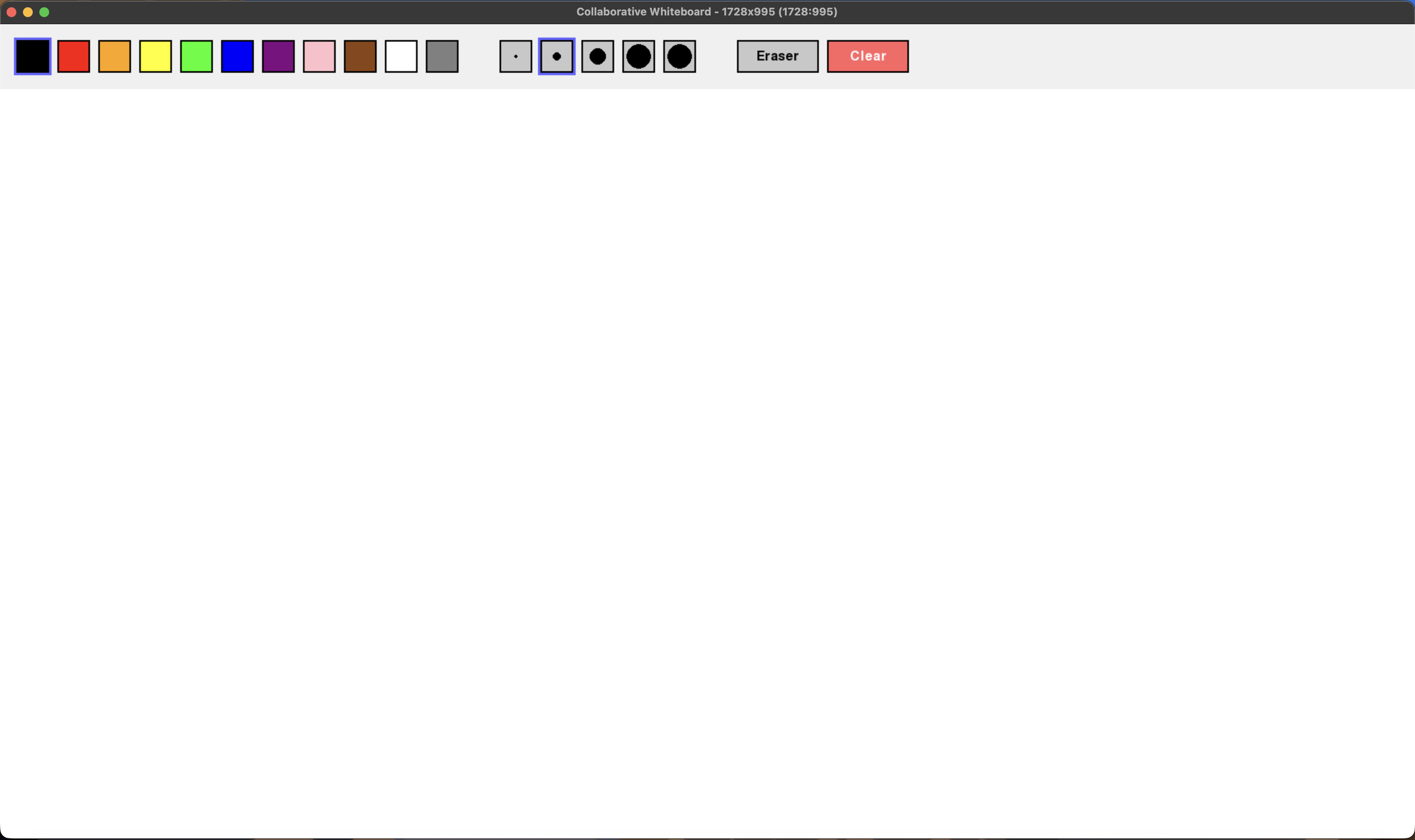
An image of a blank canvas at full screen.
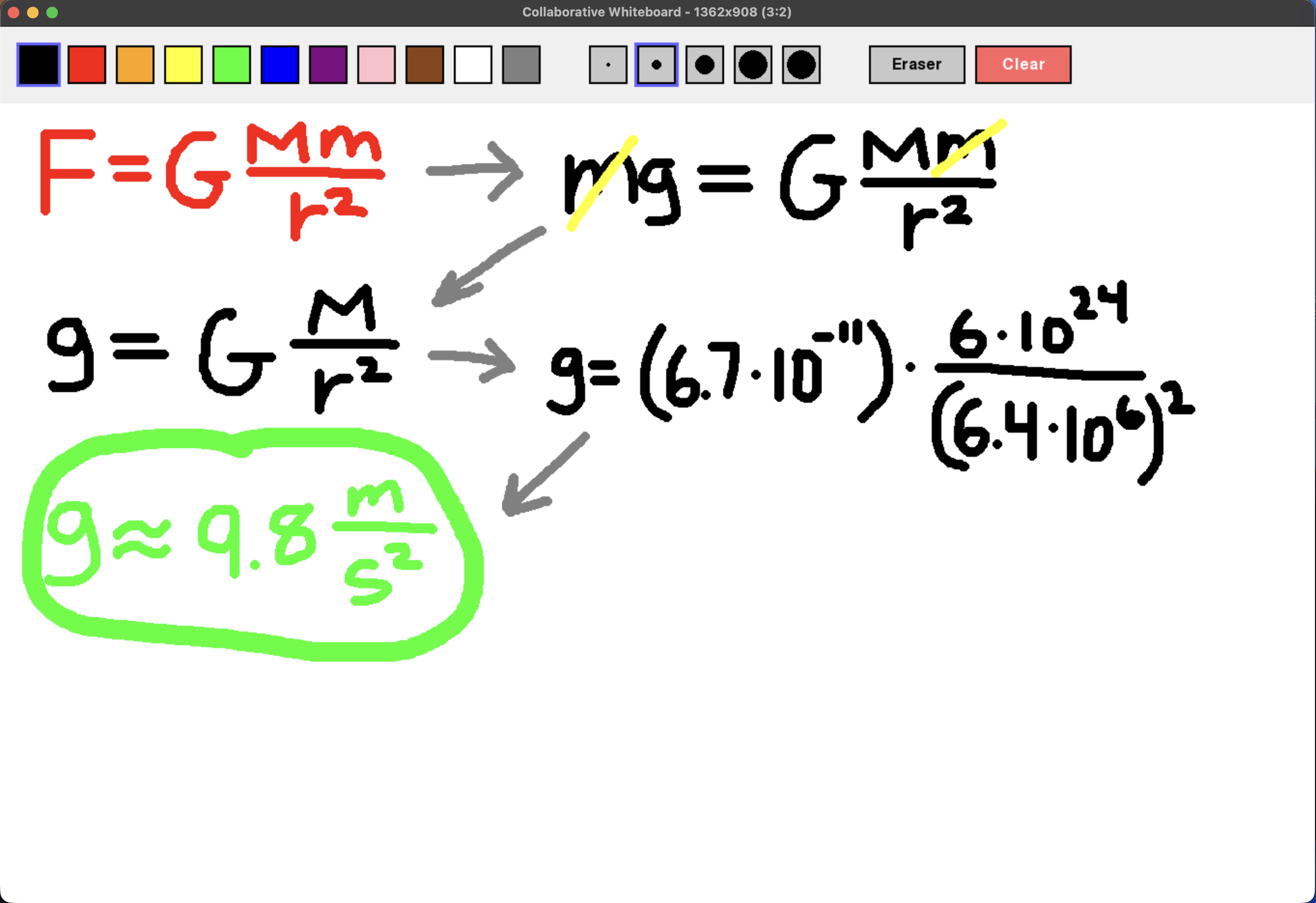
An image of users drawing on the shared canvas to solve for Earth’s gravitational constant using Newton’s Universal Law of Gravitation.
Technical Highlights
Computer Networking
Client-server architecture enabling real-time canvas usage across multiple devices. Compact point-based stroke representation was used to keep all devices up to date with drawings made by other users.
Rendering
Smooth stroke interpolation for continuous, natural drawing. Many features are provided to the user—such as a color palette, different stroke sizes, and options to erase and wipe the canvas.
Synchronization
Consistent shared canvas across multiple users, ensuring everyone sees each other’s drawings. Drawing data shared across devices are relative, so the canvas and drawings will look the same across different screen sizes.